Manual Download a Telegram Message
Download a single Telegram message with TG-Downloader using public, private or topic links, with optional comment and duplicate filtering.
Manual Download saves one known message and is available even on a free account.
Get the message link
In Telegram, right-click the message (long-press on mobile) and choose Copy Link. Supported link shapes:
| Type | Example |
|---|---|
| Public channel/group | https://t.me/telegram/123 |
| Private group | https://t.me/c/123456789/42 |
| Topic message | https://t.me/channelname/123/456 |
A private link requires the active Telegram account to have joined that group. The final number is the message ID.
Start the download
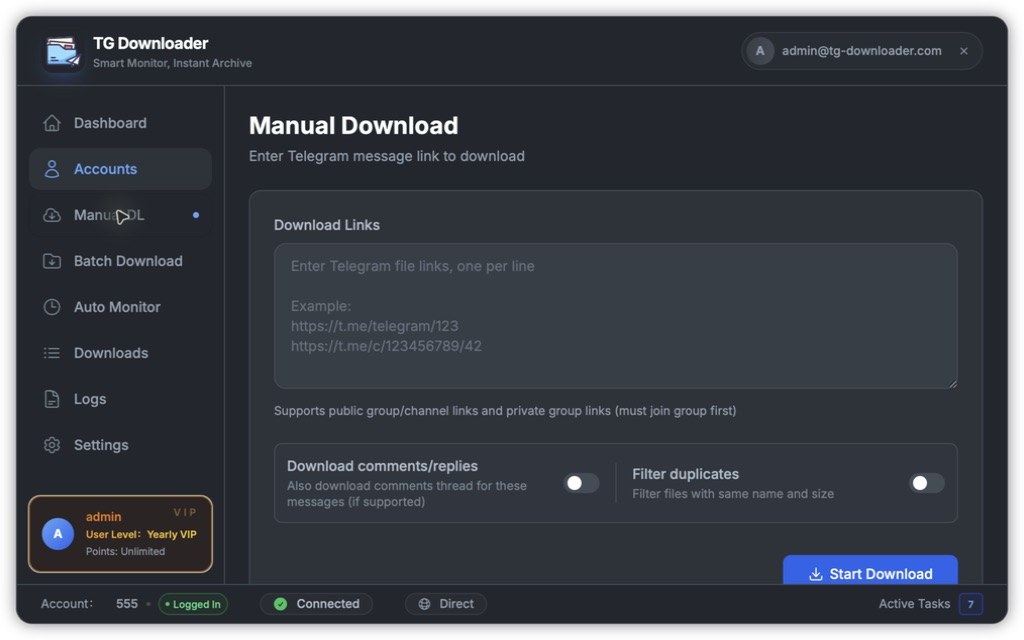
- Paste links into Download Links, one per line. Multiple links are supported.
- Enable optional switches:
- Download comments/replies: also saves the comment thread when the plan supports it.
- Filter duplicates: skips local files with the same name and size.
- Click Start Download.
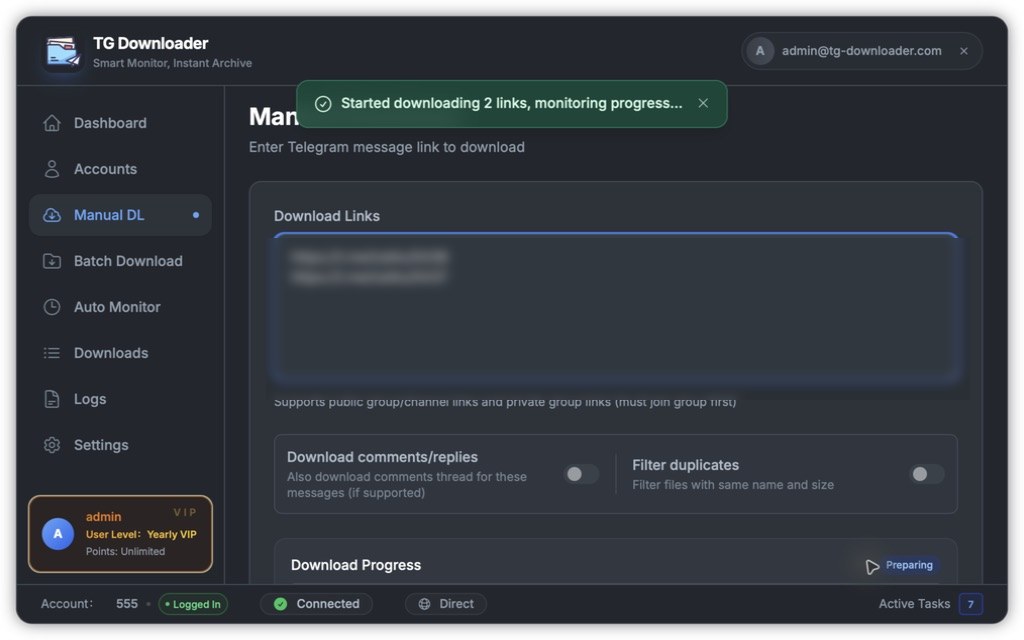
The progress panel shows file count, percentage, speed and remaining time. Click Cancel Download to stop.
Common messages
| Message | Cause |
|---|---|
| Please enter at least one link | The links field is empty |
| Please select an account first | No Telegram account has been added |
| The account does not have access to this group/channel | The active account has not joined it |
| Insufficient points / Daily points limit reached | The daily quota is exhausted |
| This feature requires Pro plan | The current plan does not include comment downloads |
| User authentication failed, please retry | The sign-in state has expired |
Manual Download works without an app account, using the smaller per-device quota. Batch Download and Auto Monitor require signing in.