About and Version Updates
Check for TG-Downloader updates, review the installed version, skip a release, and find the Device ID used for support.
Open Settings → General and scroll to About.
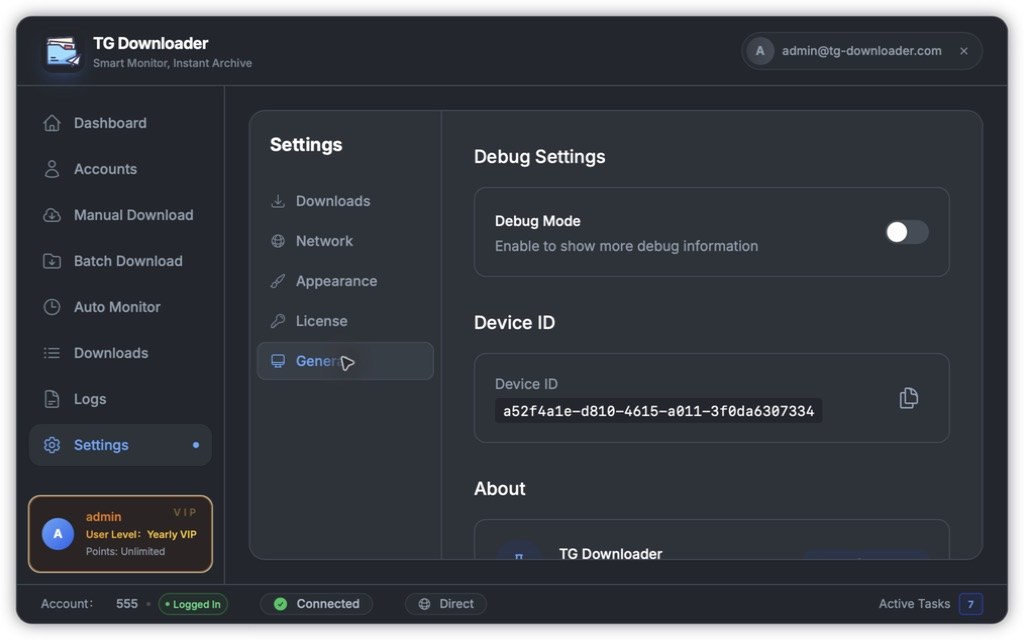
Check for updates
Click Check for Update to request the latest available version. If an update exists, the app offers a download link and the option to skip that version.
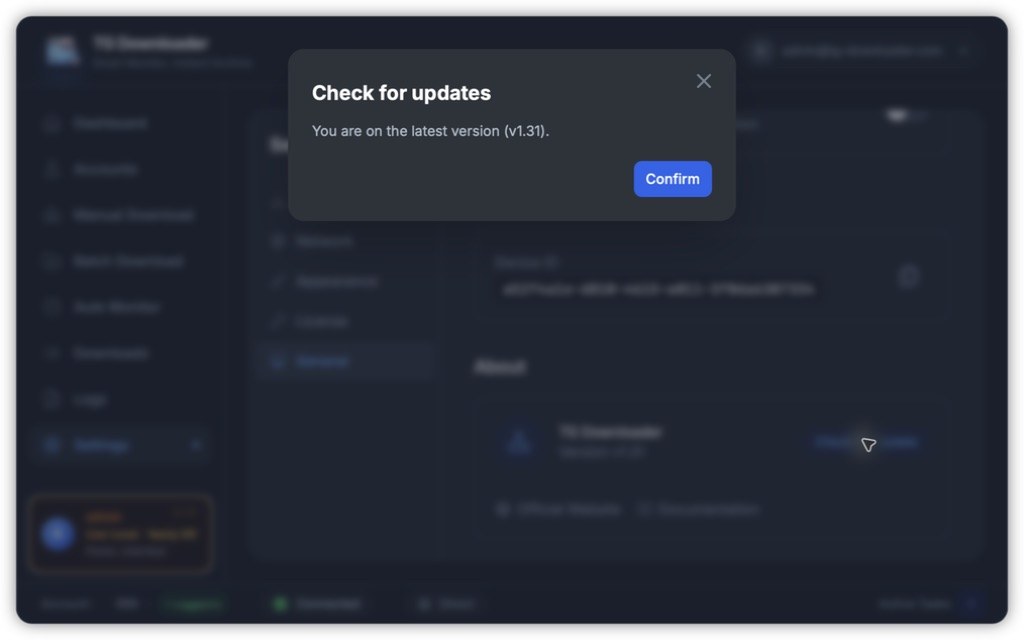
The app also checks once when it starts. When a release is mandatory, the prompt only offers Update Now and Quit.
Downloads open in your browser; TG-Downloader does not silently replace itself. Choose Skip this version if you do not want reminders for that release.
Updating does not remove your download history, Telegram accounts or settings. They stay on the computer and carry over.
About links
The same area links to the official website and documentation.
Debug mode and Device ID
- Debug Mode displays additional diagnostic information. Keep it off during normal use.
- Device ID identifies this computer to the service. Click Copy Device ID when support asks for it.